
Related Products
Warehouse Management System: How WMS Manages Inventory and Warehouse Operations
A Warehouse Management System, or WMS, manages inventory, storage locations, and warehouse operations from the time goods enter the facility until they are shipped out.
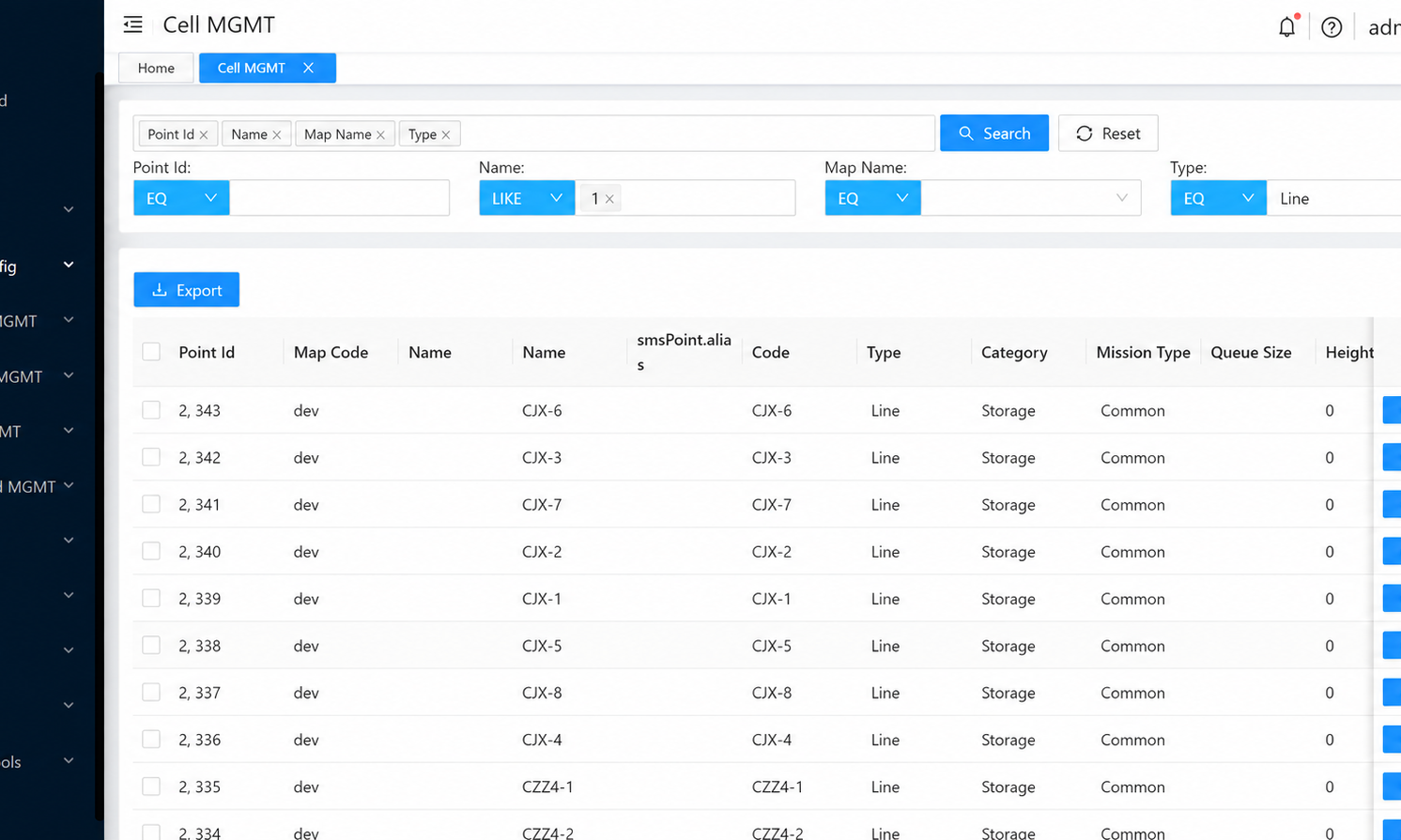
Inventory and location control, order fulfillment, deployment models, and system integration.
Warehouse inventory changes constantly. After goods arrive, they need to be assigned to storage locations. When orders are created, the warehouse needs to determine where items should be picked from. Inventory movements must be recorded, and stock levels must be updated after outbound operations are completed.
In a small warehouse, these activities can often be managed with manual records, spreadsheets, or basic inventory functions within an ERP system. As the number of SKUs, orders, storage locations, and warehouse operators increases, however, simply knowing “how much inventory is available” is no longer enough. The warehouse also needs to know:
Where the goods are, where they should go, who should handle them, and which stage of the warehouse process they are currently in.
A Warehouse Management System (WMS) is the software used to manage these warehouse operations and inventory movements.
Warehouse Management System Overview
A Warehouse Management System, or WMS, manages inventory, storage locations, and warehouse operations from the time goods enter the facility until they are shipped out.
A typical warehouse process may look like:
Receiving → Putaway → Storage → Replenishment → Picking → Packing → Shipping
The WMS continuously records inventory status throughout these stages and generates warehouse tasks according to predefined operating rules.
For example, when a pallet arrives at the receiving area, the system records its quantity, status, and storage location. When an order is created, the WMS generates the appropriate picking or replenishment task based on inventory location and warehouse rules.
A WMS therefore manages more than inventory quantities. It also manages where inventory is located and the warehouse activities associated with that inventory.
When automation is introduced, this inventory and task information must also be passed to lower-level execution systems such as a Warehouse Control System (WCS).
A typical system hierarchy can be represented as:
ERP / OMS↓Warehouse Management System (WMS)↓WES / WCS / RCS↓AGV / AMR / AS/RS / Conveyor / Sorter / Other Equipment
In this architecture, the WMS mainly manages inventory and warehouse tasks, while the actual equipment execution is typically handled by the execution and control systems below it.
Key Features and Functions of a WMS
The functional scope of a WMS can vary significantly, but its core capabilities usually center on inventory, storage locations, and warehouse operations.
Inventory and Location Management
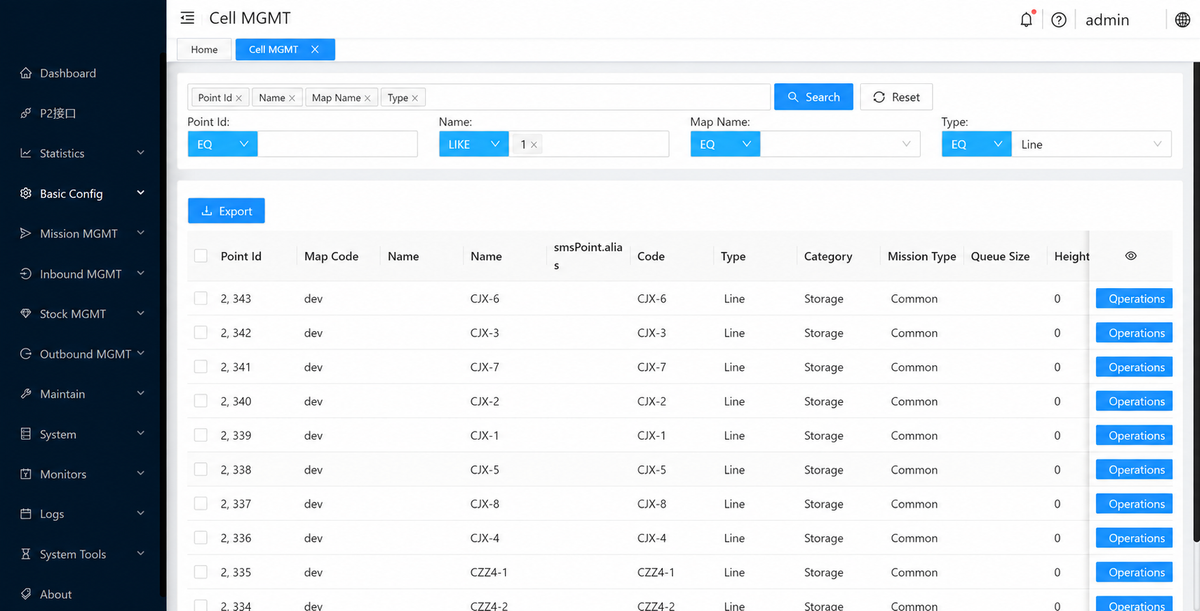
A WMS records inventory quantities and associates each item with a specific storage location.
The system can identify:
- how much inventory is available for a particular SKU;
- which storage locations contain that inventory;
- which inventory has already been allocated to orders;
- which locations are empty;
- which goods are currently being moved.
For industries that require more detailed inventory control, the WMS may also record lot numbers, serial numbers, production dates, or expiration dates.
Instead of seeing only a total inventory figure, warehouse operators can see how inventory is actually distributed throughout the facility.
Receiving and Putaway
When goods arrive at the warehouse, the WMS can verify the shipment against a purchase order or ASN and create a receiving record.
After receiving is completed, the system can generate a putaway task based on storage capacity, product characteristics, and predefined rules.
For example, fast-moving products may be assigned to locations closer to the picking area, while larger or heavier items may be directed to suitable pallet storage locations.
Picking and Order Fulfillment
Once goods have been placed in the appropriate locations, the next step is to retrieve them according to customer or production orders.
When an order enters the warehouse, the WMS generates picking tasks based on the inventory location.
Depending on the operation, the warehouse may use different picking strategies, such as:
- Single Order Picking;
- Batch Picking;
- Zone Picking;
- Wave Picking.
The WMS converts order requirements into specific warehouse tasks and records the execution status of each order.
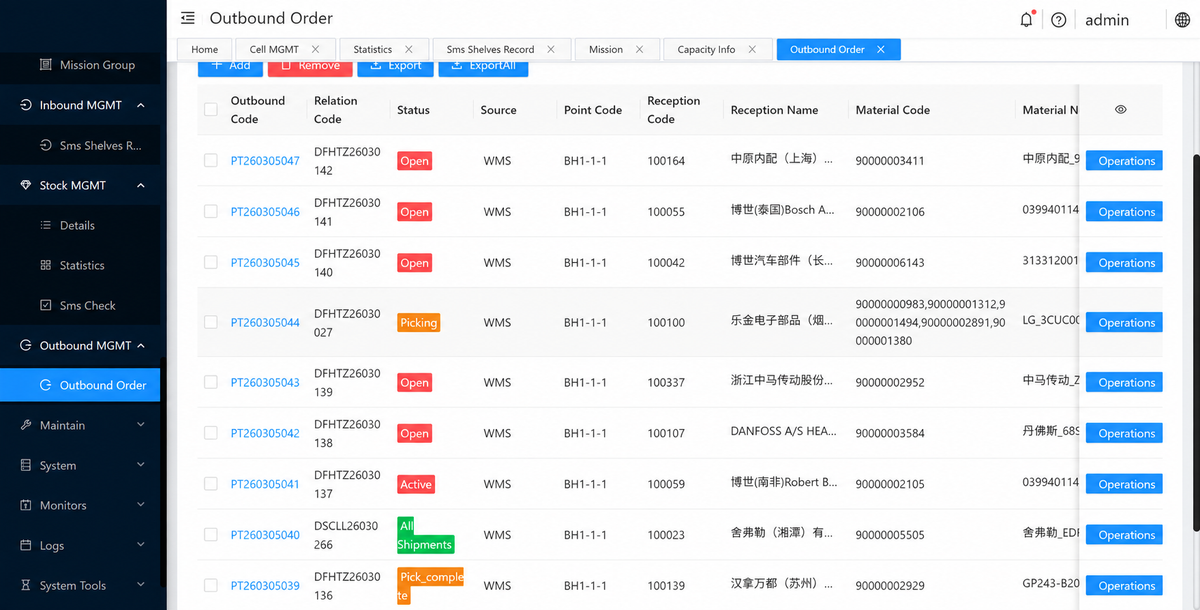
In warehouses using goods-to-person (G2P) systems, AS/RS, or automated picking systems, the relevant tasks can also be passed to lower-level execution systems.
Replenishment and Inventory Movement
Inventory in the picking area does not remain sufficient indefinitely, so the WMS also needs to manage replenishment and internal inventory movement.
When picking stock falls below a defined level, the system can automatically generate a replenishment task based on Min/Max Inventory rules, order demand, or other replenishment logic.
The same principle applies to internal relocations, stock consolidation, and storage-location adjustments.
Once the task is completed, the WMS updates the inventory location so that the system record remains aligned with the physical stock.
Lot, Serial Number, and Inventory Traceability
In addition to managing how goods move, the WMS also needs to preserve the identity and history of the inventory itself.
Warehouses in food, pharmaceutical, automotive, electronics, and other industries often need to track specific lots or serial numbers.
A WMS can record the movement of a batch from receiving and storage through picking and final shipment.
For example, a food warehouse can apply FEFO rules to allocate inventory approaching its expiration date first, while a manufacturing company can use lot information to trace which production order received a specific batch of components.
Task and Labor Management
Once inventory, tasks, and execution status are recorded in the system, the WMS can also help manage task assignment and warehouse workload.
The system can show which tasks are waiting, which are in progress, which have been completed, and how much work is currently assigned to different areas.
In a manual warehouse, this information can be used to allocate receiving, replenishment, and picking work. In an automated warehouse, the same task data can be passed to WES, WCS, or robotic systems.
Types of Warehouse Management Systems
WMS solutions can be classified in different ways. In practice, two of the most common dimensions are deployment model and the relationship between the WMS and other enterprise systems.
By Deployment Model
Cloud-Based WMS
A cloud-based WMS is hosted in the cloud and is typically accessed through a browser or application.
This reduces the need for local servers and other on-premise IT infrastructure, while software updates and maintenance are usually handled centrally by the provider.
Cloud WMS solutions are common among companies operating multiple warehouses, organizations looking for faster deployment, and businesses with smaller internal IT teams.
Their performance still depends on stable network connectivity, the provider’s system architecture, and integration capabilities.
On-Premise WMS
An on-premise WMS is installed on the company’s own servers or data center infrastructure.
The company has more direct control over the system environment, data, and software version and can often customize the system more deeply around its internal IT architecture.
This model usually requires the company to manage servers, maintenance, upgrades, and ongoing system administration, resulting in higher implementation and long-term IT requirements.
By System Structure
In addition to deployment location, a WMS can also be classified according to how it relates to the company’s existing business systems.
Standalone WMS
A standalone WMS is a dedicated warehouse management system that operates independently.
It typically provides more advanced warehouse functionality than a basic ERP inventory module and exchanges data with ERP, OMS, TMS, or other business software through system interfaces.
For companies with complex warehouse operations that do not want to replace their existing ERP, a standalone WMS can offer greater flexibility.
ERP-Integrated WMS
Some ERP platforms include built-in WMS modules.
This allows inventory, purchasing, sales, finance, and warehouse operations to run within the same business platform, which can simplify data exchange.
For warehouses with relatively standard operations, this approach can reduce the number of interfaces between independent systems. When the warehouse requires advanced automation, complex picking strategies, or high-throughput operations, however, the depth of the built-in WMS functionality needs to be evaluated carefully.
Benefits of a Warehouse Management System
One of the most direct benefits of a WMS is improved inventory visibility.
When the quantity, location, and status of each batch or item are recorded in the system, the warehouse spends less time manually searching for goods or checking stock and is less likely to create unnecessary movements because inventory is stored in the wrong location.
As inventory data becomes more accurate, receiving, putaway, picking, replenishment, and order fulfillment can all be organized using a consistent source of information.
This typically leads to:
- more accurate inventory records;
- faster receiving, putaway, and picking;
- fewer picking errors and missed items;
- better lot and serial number traceability;
- improved storage-space utilization;
- clearer order and task visibility.
For companies planning to introduce warehouse automation, structured inventory, location, and task data can also provide a consistent data foundation for future warehouse automation systems.
What Systems Does a WMS Commonly Integrate With?
A WMS rarely operates completely on its own.
It usually needs to exchange information with enterprise business systems, transportation platforms, and warehouse automation control systems.
At the upper level, the WMS can connect with ERP, OMS, purchasing systems, and e-commerce platforms.
For example, the ERP can send purchase orders and sales orders to the WMS. After receiving or shipping is completed, the WMS returns the actual inventory and order execution results to the ERP.
The warehouse may also connect with TMS, carrier systems, or shipping platforms for carrier selection, shipping documentation, labels, and transportation information.
In automated warehouses, the WMS can also integrate with WES, WCS, and RCS.
An automated outbound task may follow a flow such as:
ERP / OMS creates the order↓WMS allocates inventory and creates the warehouse task↓WCS / WES coordinates automated equipment execution↓RCS dispatches AGVs / AMRs for transport tasks↓Equipment completes material movement and handoffs↓Execution status is returned to the WMS
The control boundaries need to remain clear.
The WMS determines inventory allocation and warehouse tasks; the WCS primarily coordinates automated equipment and material flow; and the RCS manages AGV/AMR fleet scheduling. These systems exchange tasks and status information through interfaces rather than having the WMS directly control each individual machine.
How to Choose the Right Warehouse Management System
Warehouse size is only one factor when selecting a WMS. The complexity of the warehouse operation is often more important.
A small warehouse with only a few hundred SKUs and mainly manual picking has very different WMS requirements from a large distribution center with multiple temperature zones, tens of thousands of SKUs, lot tracking, and automated equipment.
The evaluation can begin by mapping the current receiving, putaway, storage, replenishment, picking, packing, and shipping processes, then identifying which activities need to be managed by the WMS.
For food, pharmaceutical, or manufacturing operations, it is also important to confirm whether the system supports the required lot, serial number, expiration-date, and traceability rules.
For warehouses that already use or plan to deploy automation, integration capability is another important consideration. Whether the WMS can exchange tasks and status data with existing ERP, WCS, RCS, TMS, and future automation systems will directly affect later expansion.
Other factors include multi-warehouse support, number of users, peak order volume, deployment model, customization requirements, vendor support, and total software cost.
A WMS with extensive functionality but a poor fit with the actual warehouse process can create unnecessary configuration and operational complexity. The selection process should begin with the real inventory structure, order profile, and operating methods before determining which functions and system interfaces are required.
For projects already planning AGVs, AMRs, WCS, or other warehouse automation systems, the WMS integration architecture should also be evaluated as part of the broader automation plan. If you are planning this type of system integration, you can contact Coolyne to discuss your current warehouse processes and automation requirements.
Next Review
Move from article research to a scoped feasibility review.
Use the related products and solution paths below, then send your workflow and layout for a quick engineering review.
Related Solutions
Engineering Review